Find when you can see Diamond Fuji from where you are
Find out when you can see Diamond Fuji (the sun appearing to sit on the summit of Mt. Fuji) from where you are now. Just answer a few questions, and you get a list of the dates and times, along with a picture of how it will look.
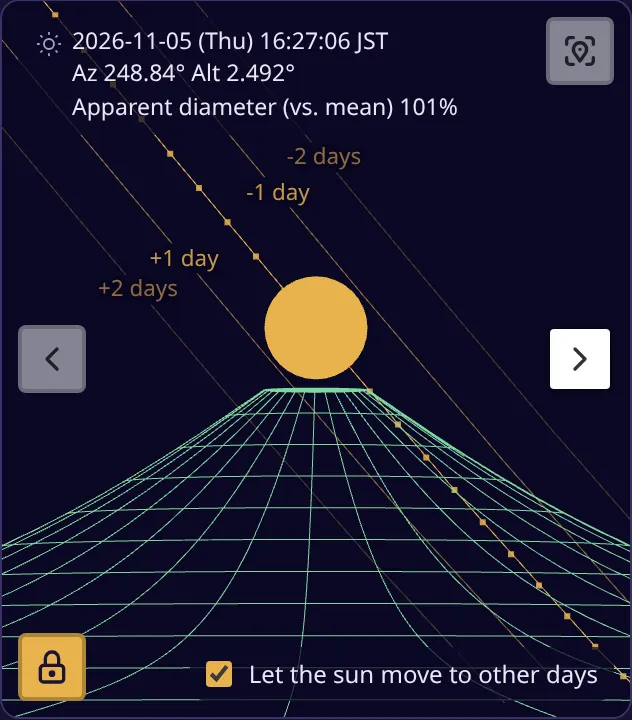
In this article, we assume you are standing on Fujimi Bridge (Fujimi-bashi), just west of Seijogakuen-mae Station on the Odakyu Line, one of the “100 views of Mt. Fuji from the Kanto region”.
Before you start
Section titled “Before you start”- Be somewhere you can see Mt. Fuji from (or the place you plan to go).
- Turn on location services on your smartphone. If your browser asks for permission to use your location, choose “Allow”.
-
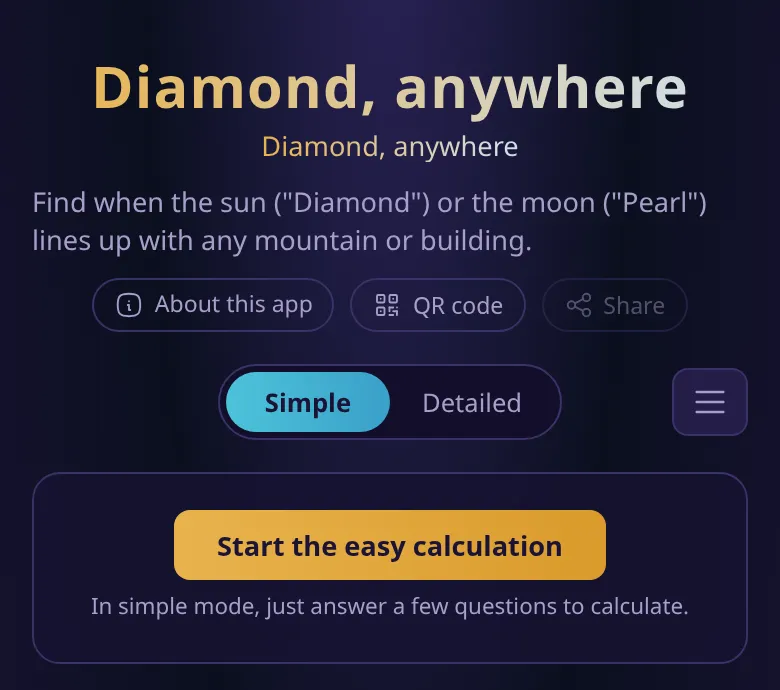
Open the app and press “Start the easy calculation”.
-
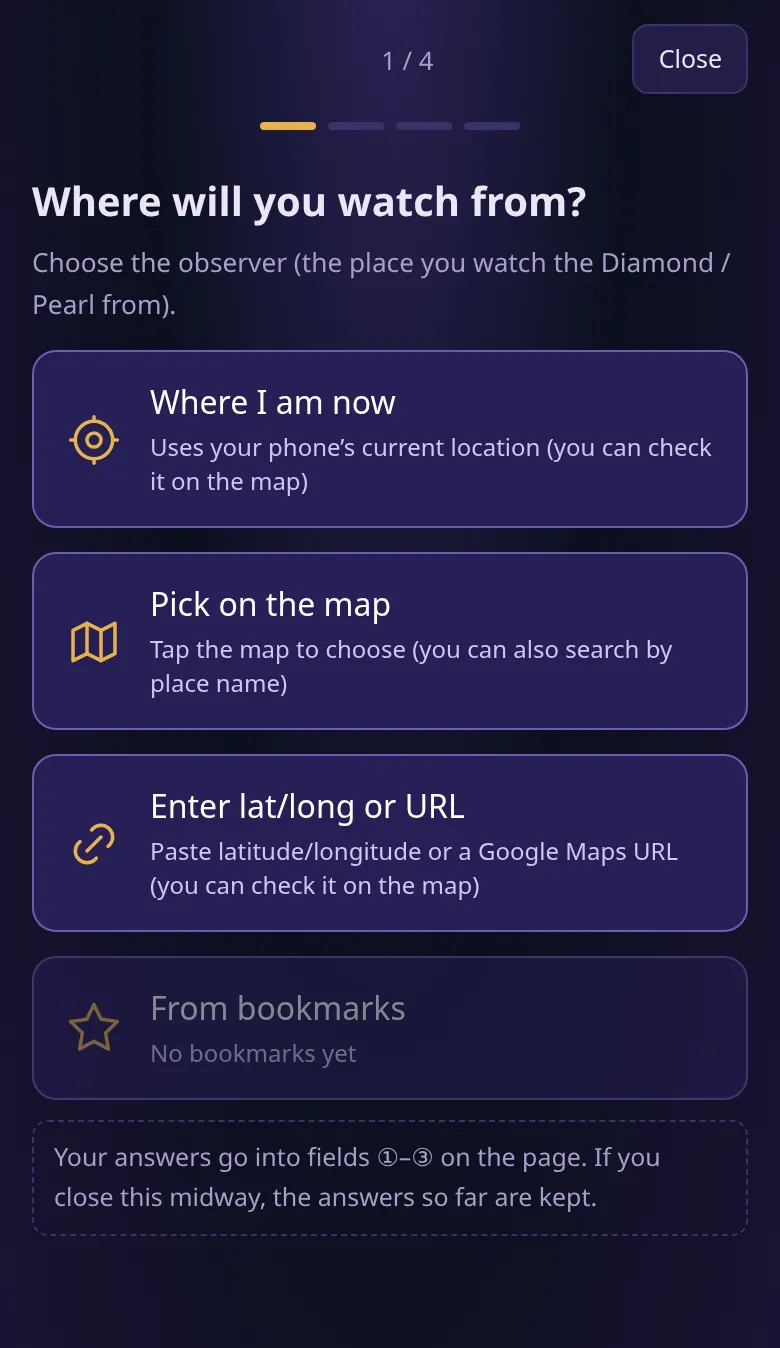
When asked “Where will you watch from?”, press “Where I am now”.
-
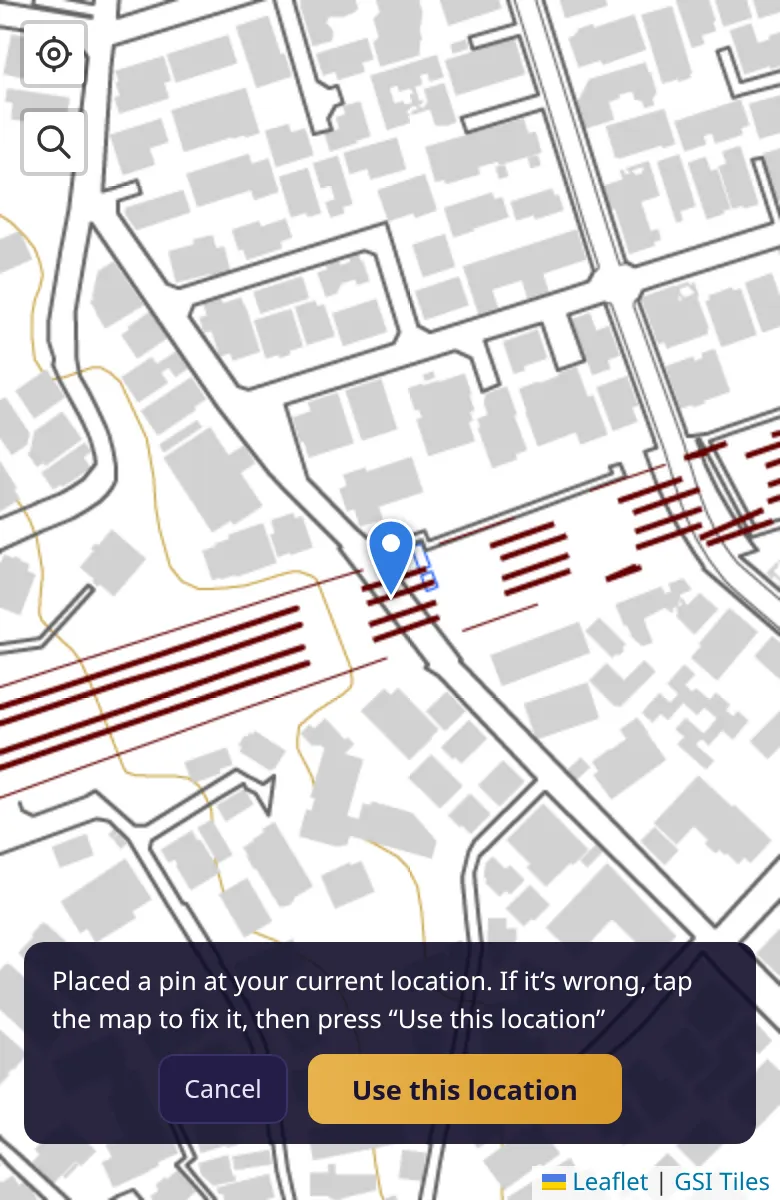
A map opens with a blue pin at your current location. If the pin is in the right place, press “Use this location”. If it is off, tap the correct spot on the map to move the pin first.
-
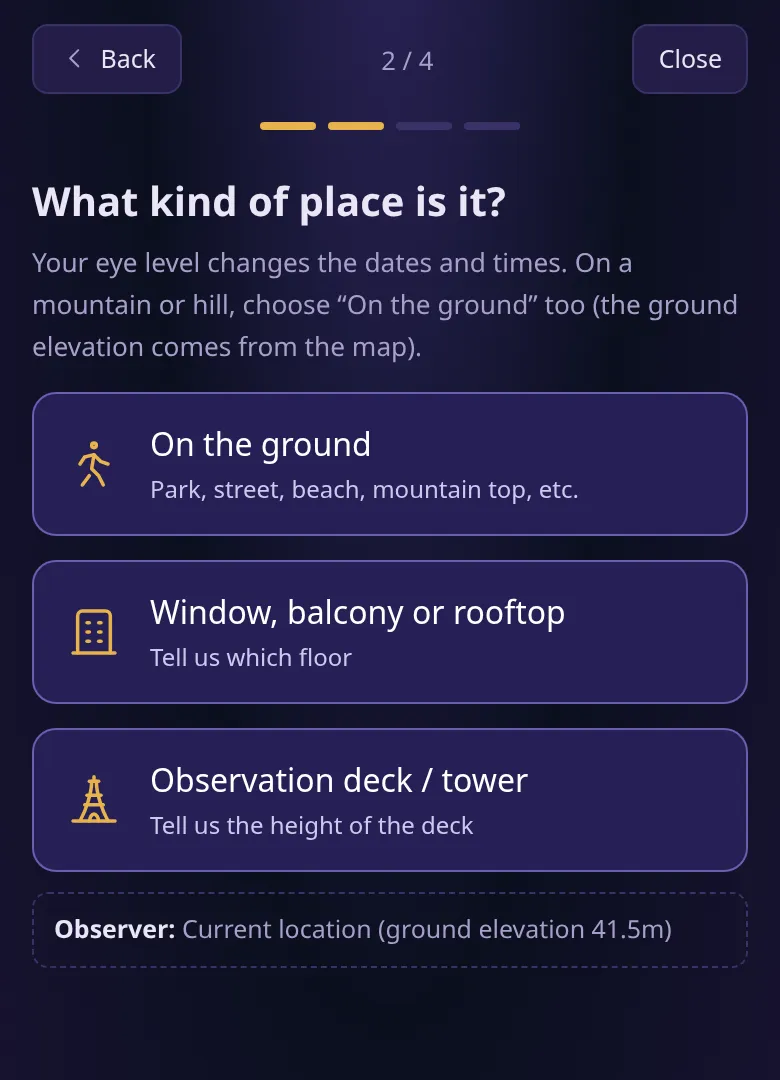
When asked “What kind of place is it?”, press “On the ground”. Choose “On the ground” for streets and parks, and also when you are on a mountain or a hill (the elevation of the land is filled in automatically).
-
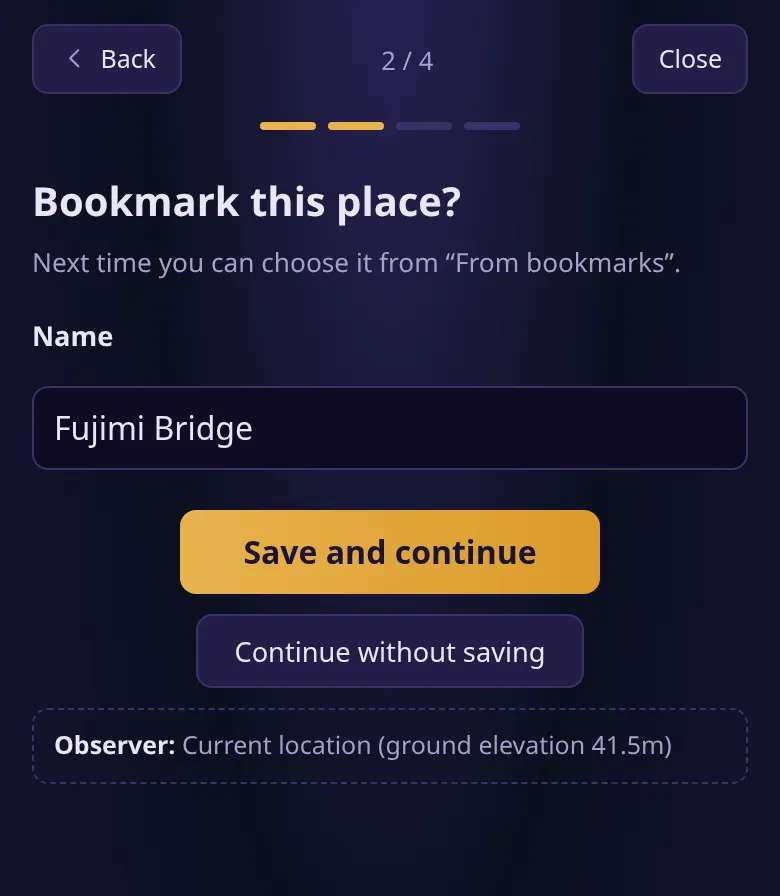
You are asked “Bookmark this place?”. If you will use the place again, enter a name and press “Save and continue”; otherwise press “Continue without saving”. Here, we enter “Fujimi Bridge” and save the bookmark. Next time, choose “From bookmarks” under “Where will you watch from?” to call up this place.
-
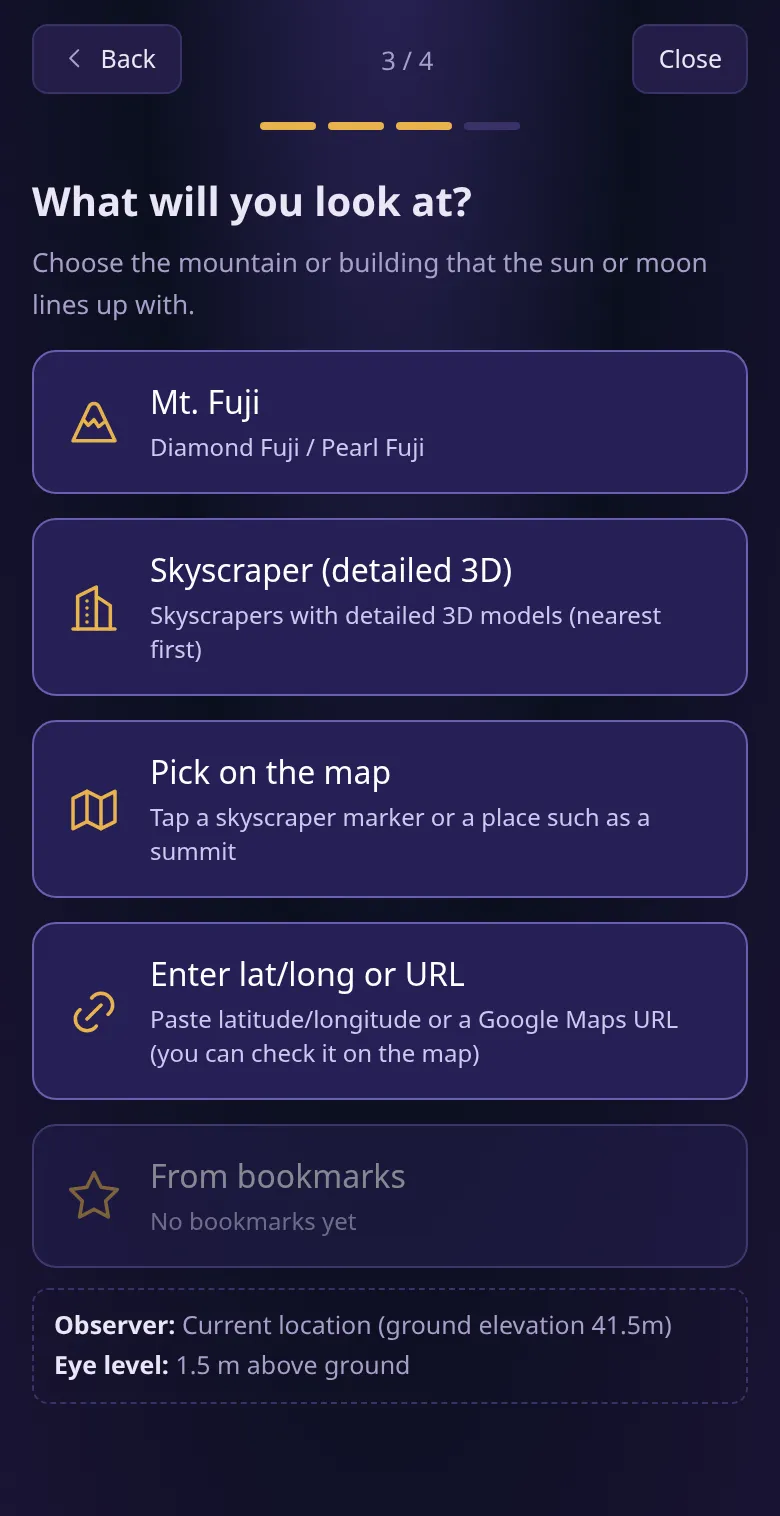
When asked “What will you look at?”, press “Mt. Fuji”.
-
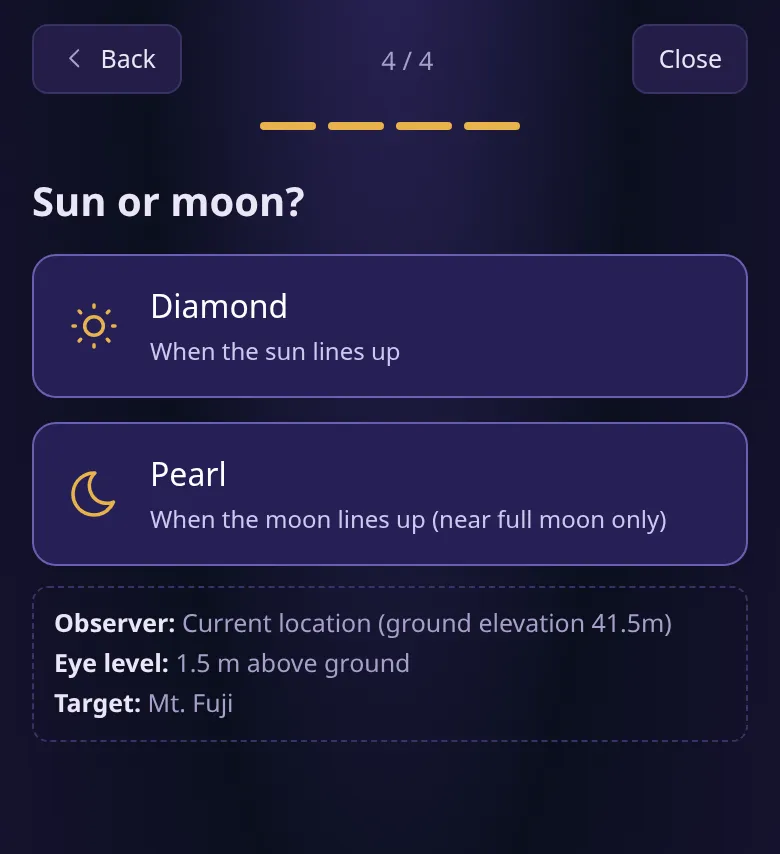
When asked “Sun or moon?”, press “Diamond”. The calculation starts right away.
Reading the results
Section titled “Reading the results”When the calculation finishes, a list of candidates appears under “Results”. Each row is one chance to see Diamond Fuji.
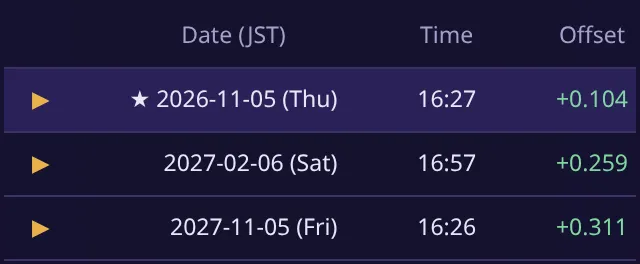
- “Date (JST)” and “Time” are when the sun lines up with the summit of Mt. Fuji.
- “Offset” shows how far the center of the sun is from the summit. The closer to 0, the more exactly the sun sits on the summit. + means the sun is above, − means below.
- ★ marks the candidate with the smallest offset.
Below the list, the “Result view” shows Mt. Fuji and the sun as seen from where you are at that date and time. Tap a row to switch to that day. The lines labeled “+1 day”, “-1 day” and so on are the sun’s paths on the days before and after.
Troubleshooting
Section titled “Troubleshooting”- No pin appears, or it appears in the wrong place: Your browser may not be allowed to use your location. See the FAQ in “About this app” for how to allow it. Even without permission, you can choose the place by tapping the map.
- No candidates appear: From some places, Diamond Fuji never happens all year (the sun never sets or rises in the direction of Mt. Fuji). In that case, the app tells you so.
Summary
Section titled “Summary”Just by answering a few questions, you can find out when Diamond Fuji can be seen from where you are, and how it will look. In the Fujimi Bridge example, the sun lines up with the summit of Mt. Fuji at about 16:27 on November 5, 2026.