Find the "diamond" of Yokohama Landmark Tower and other famous buildings from where you are
Not just Mt. Fuji: you can also find when the sun lines up with the top of a skyscraper or tower, such as Yokohama Landmark Tower. This article uses Yokohama Landmark Tower as the example.
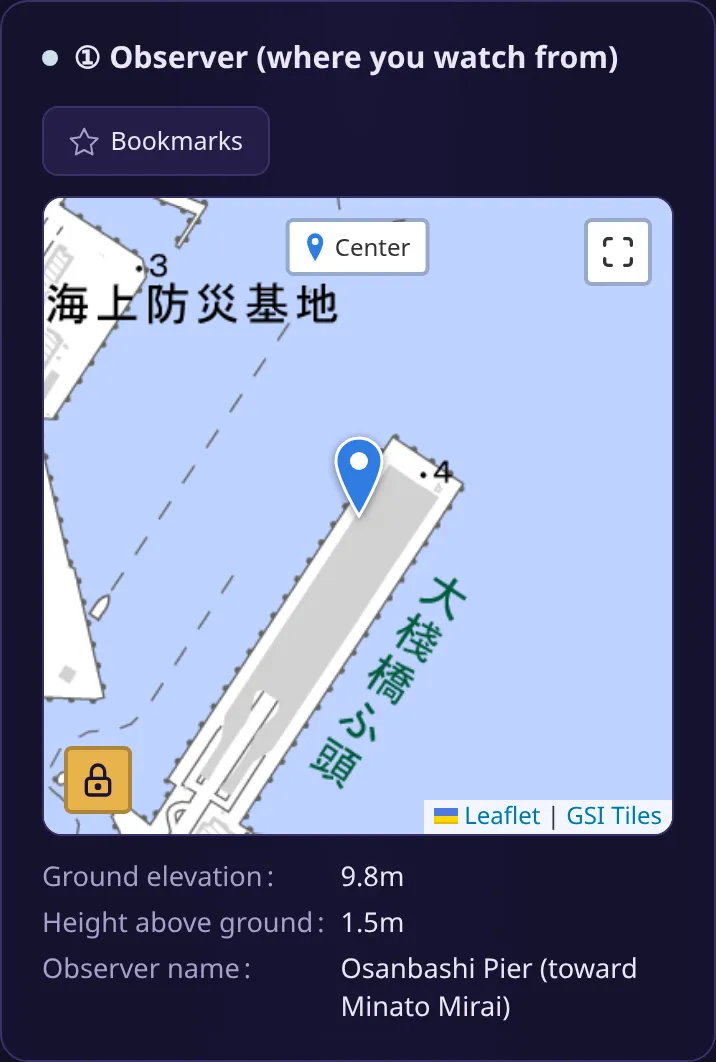
In this article, we assume you are on “Kujira no Senaka” (the whale’s back), the rooftop of Osanbashi Pier in the Port of Yokohama. From there, Yokohama Landmark Tower is about 1.5 km to the west, across the water.
From “Start the easy calculation” to “What kind of place is it?”, the steps are the same as in Find when you can see Diamond Fuji from where you are.
-
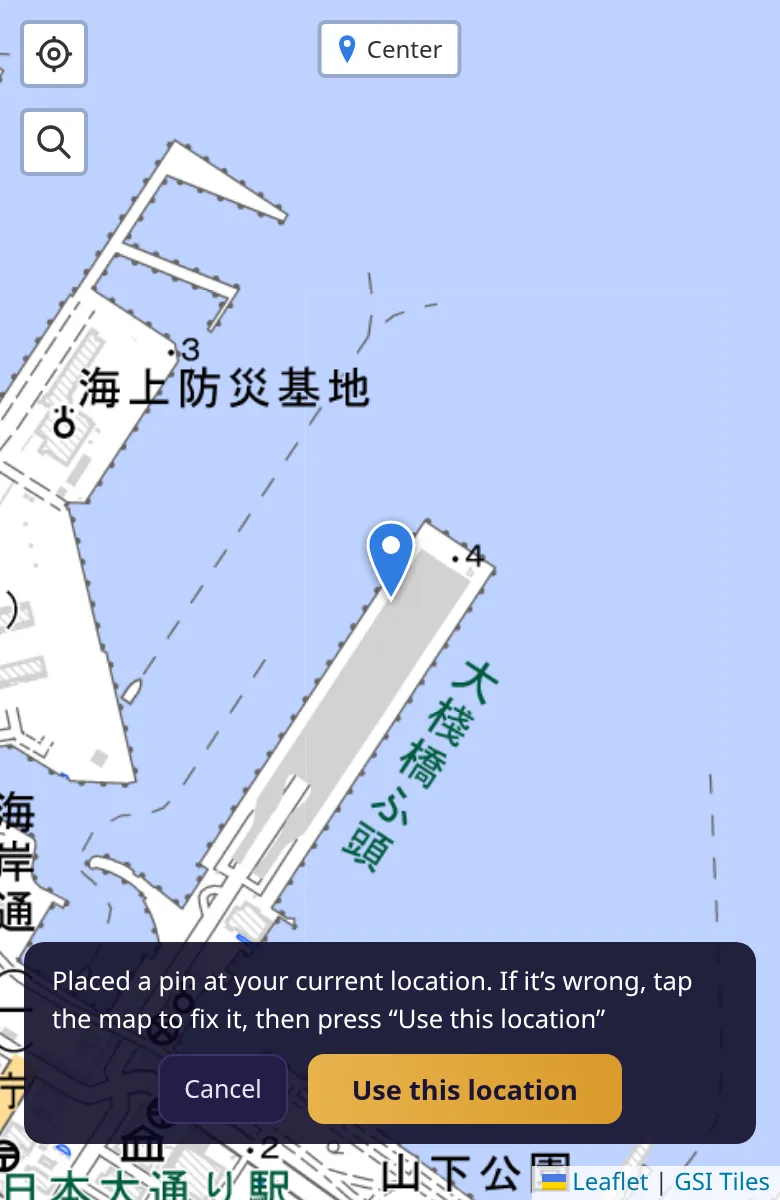
Press “Start the easy calculation”, then press “Where I am now” under “Where will you watch from?”. Check the place on the map and press “Use this location”. Here, we use a viewpoint with a good view over the whole of Minato Mirai.
-
Under “What kind of place is it?”, choose the one that fits, and answer whether to save the place as a bookmark. Kujira no Senaka is a rooftop plaza, but choose “On the ground” (the height of the rooftop is filled in automatically as the elevation from the map). Here, we enter “Osanbashi Pier (toward Minato Mirai)” and save the bookmark.
-
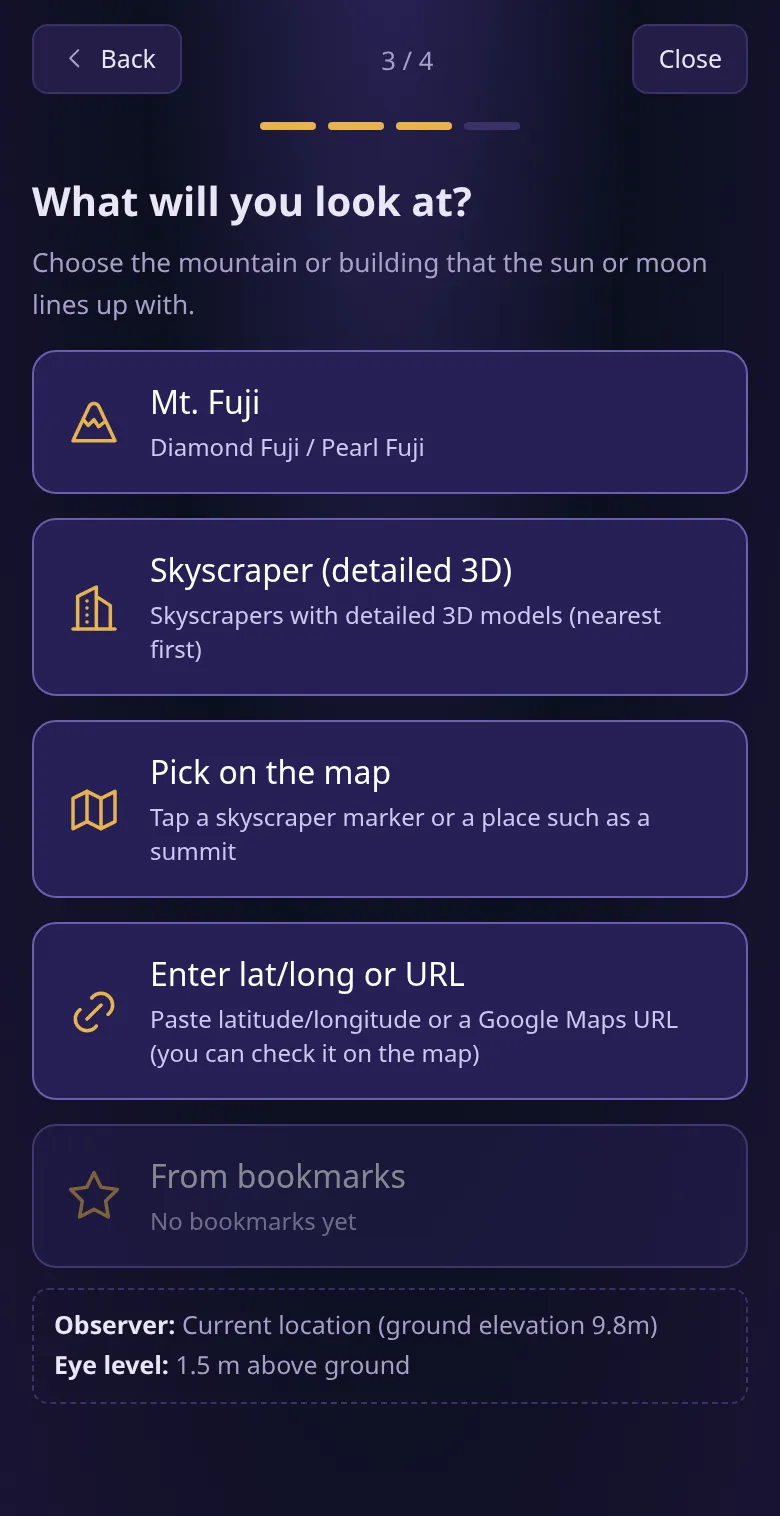
When asked “What will you look at?”, press “Skyscraper (detailed 3D)”.
-
A list of skyscrapers and towers with detailed 3D models appears, nearest to you first. Press “Yokohama Landmark Tower”.
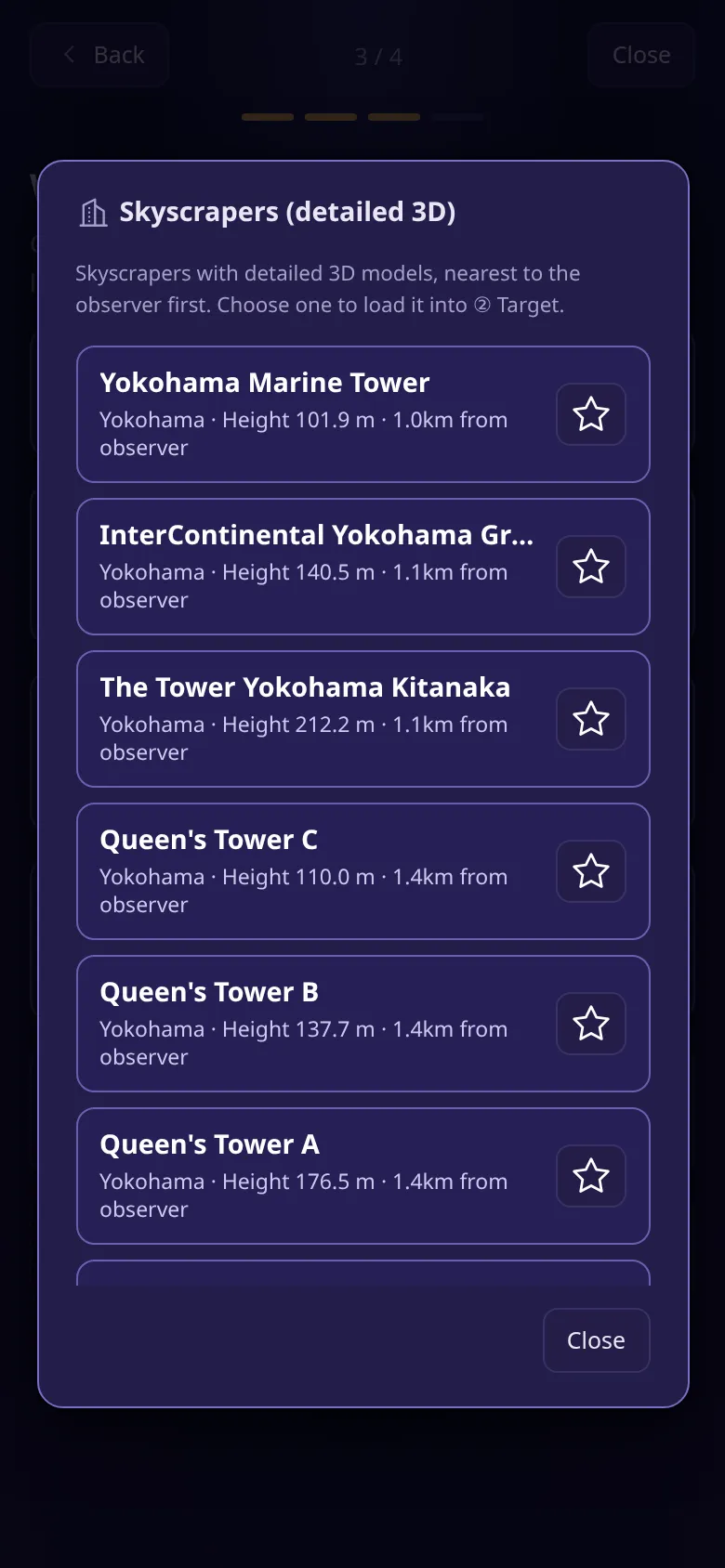
-
When asked “Sun or moon?”, press “Diamond”. The calculation starts right away.
Reading the results
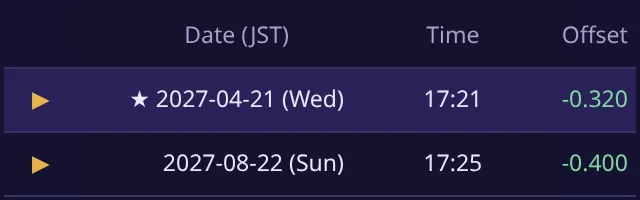
Section titled “Reading the results”The list of candidates reads the same as for Mt. Fuji. For a building, the app finds when the center of the sun lines up with the top of the building (the height of its highest point).
In the “① Observer (where you watch from)” panel, you can check the ground elevation and the height above ground below the map.
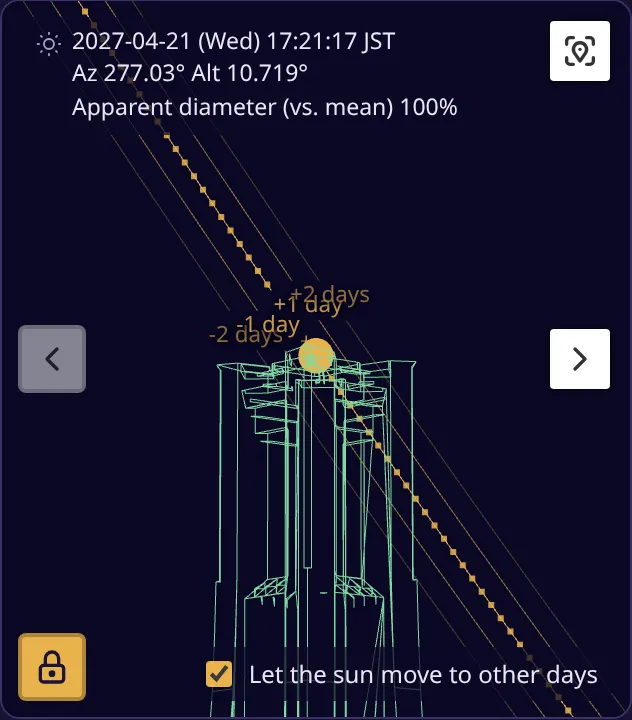
Below the list, the “Result view” shows Yokohama Landmark Tower and the sun as seen from where you are.
Check the shape of the building in 3D
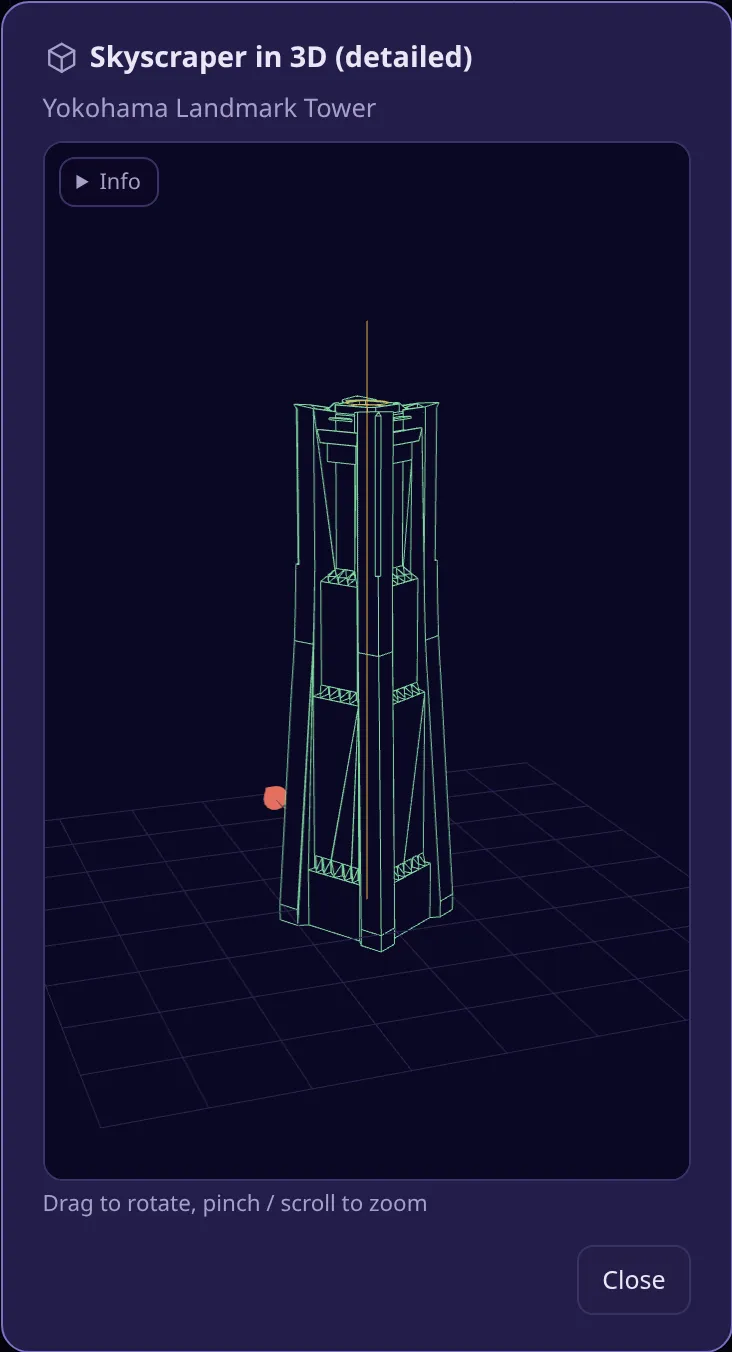
Section titled “Check the shape of the building in 3D”On the map in “② Target (mountain / building)”, press “3D” next to the red pin to turn the 3D model of the chosen building around. The vertical line marks the reference position used to find the dates and times.
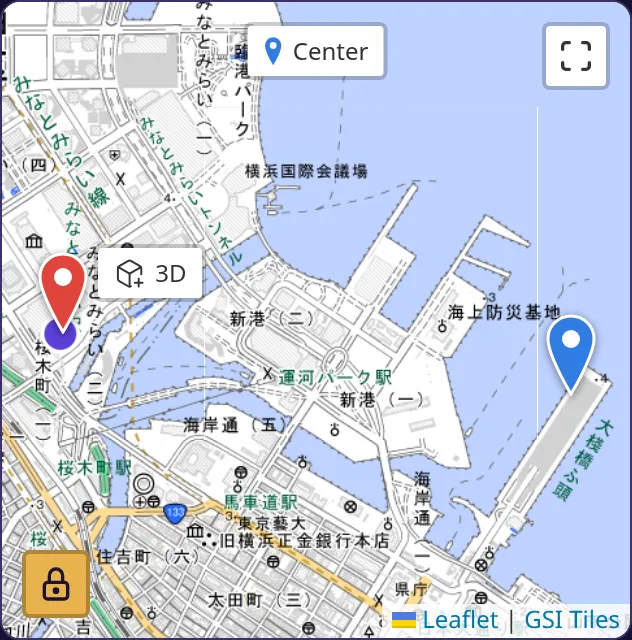
Finding the moon (“Pearl”)
Section titled “Finding the moon (“Pearl”)”To find when the moon sits on the top of the building (“Pearl”), choose “Pearl” under “Sun or moon?”. Only days close to a full moon become candidates. The moon’s path changes more from year to year than the sun’s, so from some places the next candidate may be a long way off.
Troubleshooting
Section titled “Troubleshooting”- No candidates appear: Depending on the direction and height of the building, the sun may never pass over its top from where you are. In that case, the app tells you so.
- Some buildings in the list are dimmed: Their tops are hidden by the curve of the Earth from where you are.
Summary
Section titled “Summary”Choose “Skyscraper (detailed 3D)” under “What will you look at?” to find when the sun lines up with the top of Yokohama Landmark Tower and other buildings. In the Osanbashi Pier example, the sun sits on the top of Yokohama Landmark Tower at about 17:21 on April 21, 2027.